
Gexpress Is a Startup Dedicated to You. Shop With Confidence—Refunds Are Easy Through !


Printer and office equipment parts
laser printer parts
US /en/
USD
Hello, Sign In
Account & Lists

Cart
easy install lower F user pressure roller form P 501 601 copiers replacement parts
176 Sold
USD 50.00USD51.50
97% Limited Time
About This Item
Easy-to-install design makes replacing the pressure roller quick and easy, suitable for users of all skill levels
Compatible with multiple copier models to ensure your equipment is always performing at its best, with a wide range of applicability
Enhanced durability, able to withstand high pressure and temperature , extend service life
Optimized printing effect, reducing paper jams and blurring, ensuring clear and sharp documents
Equipped with a detailed installation guide, users can easily perform self-maintenance, saving repair time and costs.
Sold To
United States
USD 6.00
Delivery: 7-15 Business Days
Fast Delivery
Refund If Package Lost
Refund If Items Damaged
Refund If No Delivery in 30 Days
Quantity
1
Installation Instructions
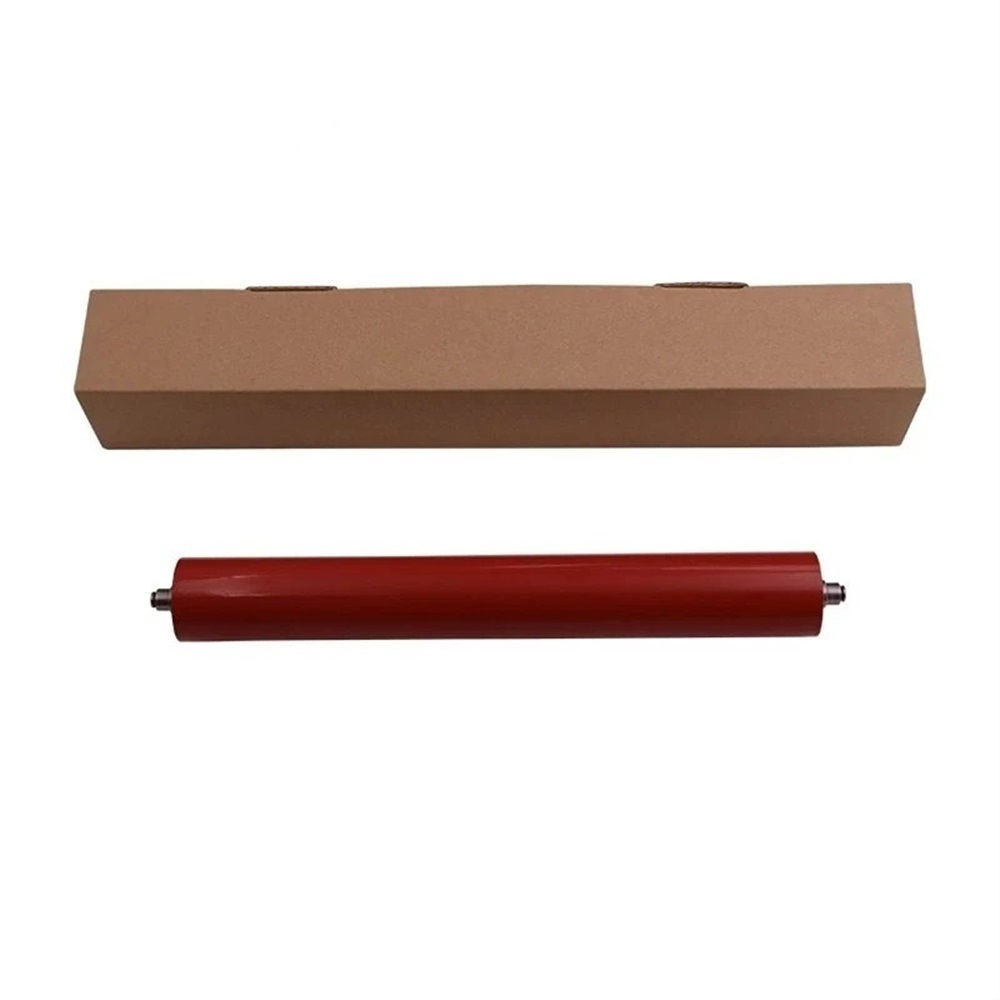
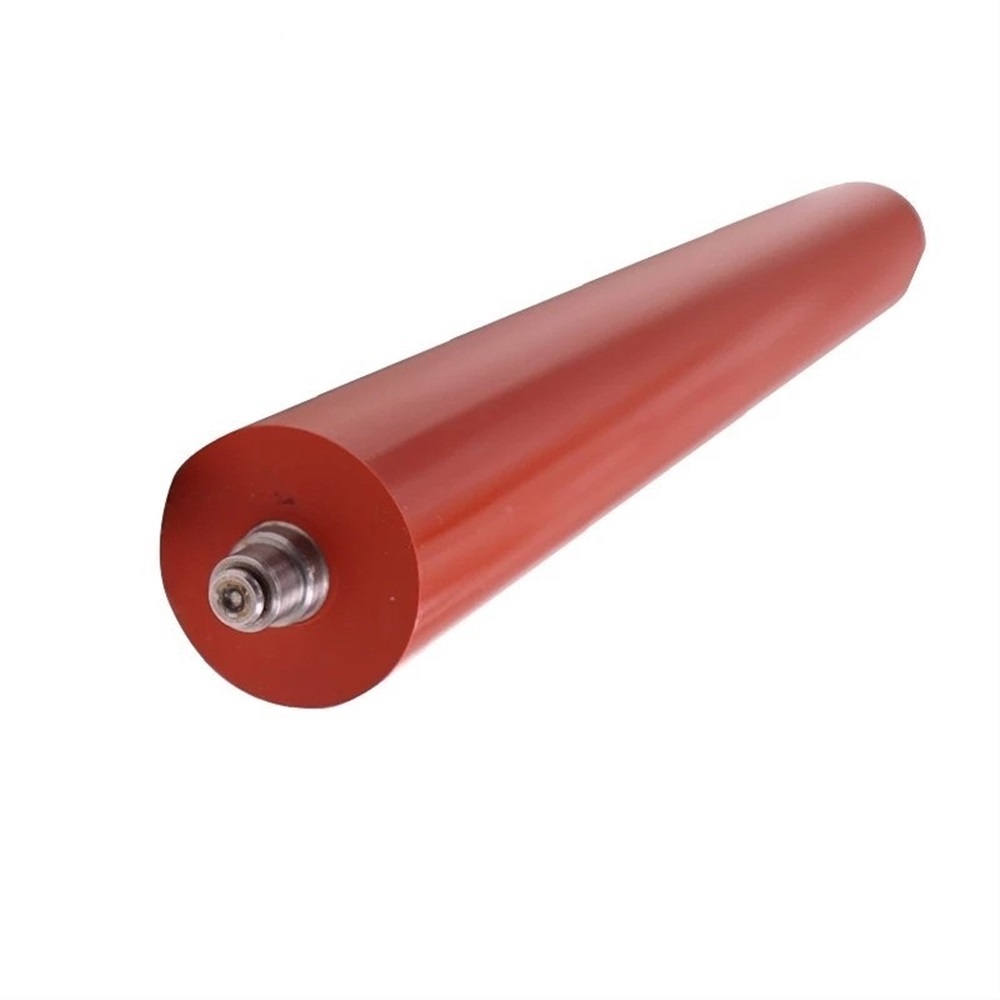
Installation Instructions for Easy Install Lower Fuser Pressure Roller for MP 501 601 Copiers
Tools Required:
-
Screwdriver Set
- Flathead screwdriver
- Phillips screwdriver
-
Tweezers
- For handling small components
-
Soft Cloth
- To clean any dust or debris during installation
-
Gloves
- To protect your hands and keep components clean
-
Static-Free Wrist Strap (optional)
- To prevent electrostatic discharge (ESD) damage to sensitive components
Installation Steps:
-
Power Off the Copier:
- Ensure the copier is turned off and unplugged from the power source to avoid any electrical hazards.
-
Open the Copier Cover:
- Carefully lift or open the copier cover to access the internal components.
-
Remove the Old Pressure Roller:
- Locate the existing lower fuser pressure roller. Use a screwdriver to unscrew any securing screws, if necessary.
- Gently pull the old roller out of its compartment. Be cautious of any wiring or clips.
-
Clean the Area:
- Use the soft cloth to wipe down the area around the roller compartment to remove any dust or toner particles.
-
Install the New Pressure Roller:
- Take the new lower fuser pressure roller out of its packaging. Align it properly in the specified slot and press gently until it is securely in place.
- If there are any screws, secure them using the screwdriver.
-
Check Connections:
- Ensure that all connectors and wiring are properly placed and secure.
-
Close the Copier Cover:
- Carefully close the copier cover, ensuring there are no obstructions.
-
Power On the Copier:
- Plug the copier back into the power source and turn it on.
-
Test the Copier:
- Run a few test prints to verify that the new pressure roller is functioning correctly and that the print quality is optimal.
Maintenance Tips:
- Regularly check the condition of the pressure roller and clean it as necessary to maintain print quality.
- Follow the manufacturer's recommendations for usage and maintenance to prolong the life of the components.
By following these instructions, you can successfully replace the lower fuser pressure roller in your MP 501 601 copier. Enjoy improved performance and clarity in your printed documents!
Description
This Easy Install Lower Fuser Pressure Roller is designed for compatibility with MP 501 and MP 601 copiers. It is made for the MP501 and MP601 models. This pressure roller ensures reliable and consistent performance.
TAG:
Printer and office equipment parts
laser printer parts
Related Items

