
Gexpress Is a Startup Dedicated to You. Shop With Confidence—Refunds Are Easy Through !



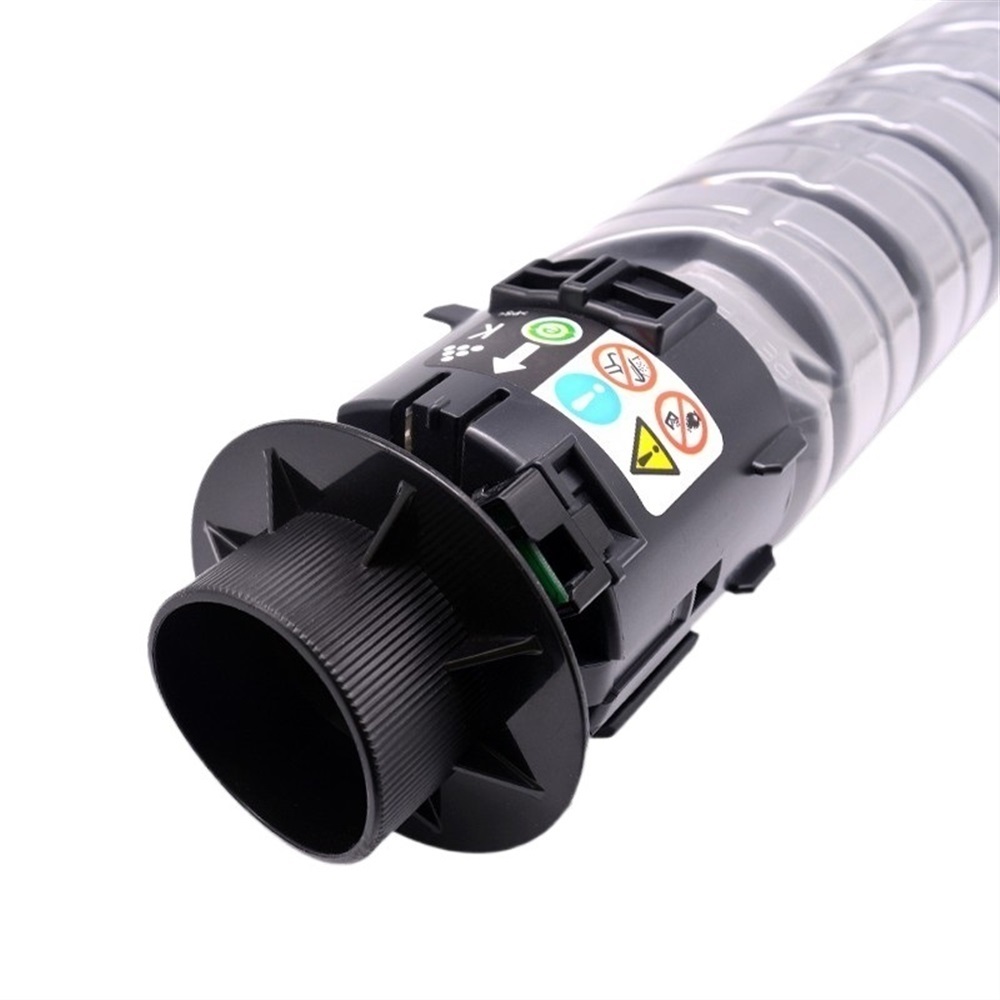
Installation Instructions for Toner Cartridge Replacement
Compatible Models: C3003, C3004, C3503, C3504SP
Before You Begin:
To ensure a smooth installation process, please gather the following tools and items:
-
New Toner Cartridge
Ensure you have the correct toner cartridge for your model. -
Clean, Dry Cloth
This will be used to wipe any dust or toner residue from the printer. -
Gloves (Optional)
Wearing gloves can help prevent toner smudges on your hands. -
Screwdriver (if required)
Depending on your specific printer model, you may need a screwdriver to remove the printer cover.
Installation Steps:
-
Preparation:
- Turn off the printer and unplug it from the power source for safety.
- Open the printer cover to access the old toner cartridge.
-
Remove the Old Toner Cartridge:
- Carefully pull out the old toner cartridge. Be cautious to avoid spilling any toner dust.
- Use the clean, dry cloth to wipe any excess toner inside the cartridge area of the printer.
-
Prepare the New Toner Cartridge:
- Remove the new toner cartridge from its packaging.
- Gently shake the cartridge from side to side to distribute the toner evenly.
-
Install the New Toner Cartridge:
- Align the toner cartridge with the tracks in the printer and slide it into place until it clicks.
- Ensure it is securely installed and there are no gaps.
-
Close the Printer Cover:
- If your printer model requires fastening screws, use the screwdriver to reattach the printer cover.
- Close the printer cover securely.
-
Power Up:
- Plug the printer back into the power source.
- Turn the printer on and allow it to initialize.
-
Print Test:
- Run a test print to ensure the new toner cartridge is functioning correctly and delivering quality prints.
Tips:
- Dispose of the old toner cartridge properly according to local recycling guidelines.
- Regularly check toner levels to ensure seamless printing.
Enjoy your efficiently working printer!

