
Gexpress Is a Startup Dedicated to You. Shop With Confidence—Refunds Are Easy Through !



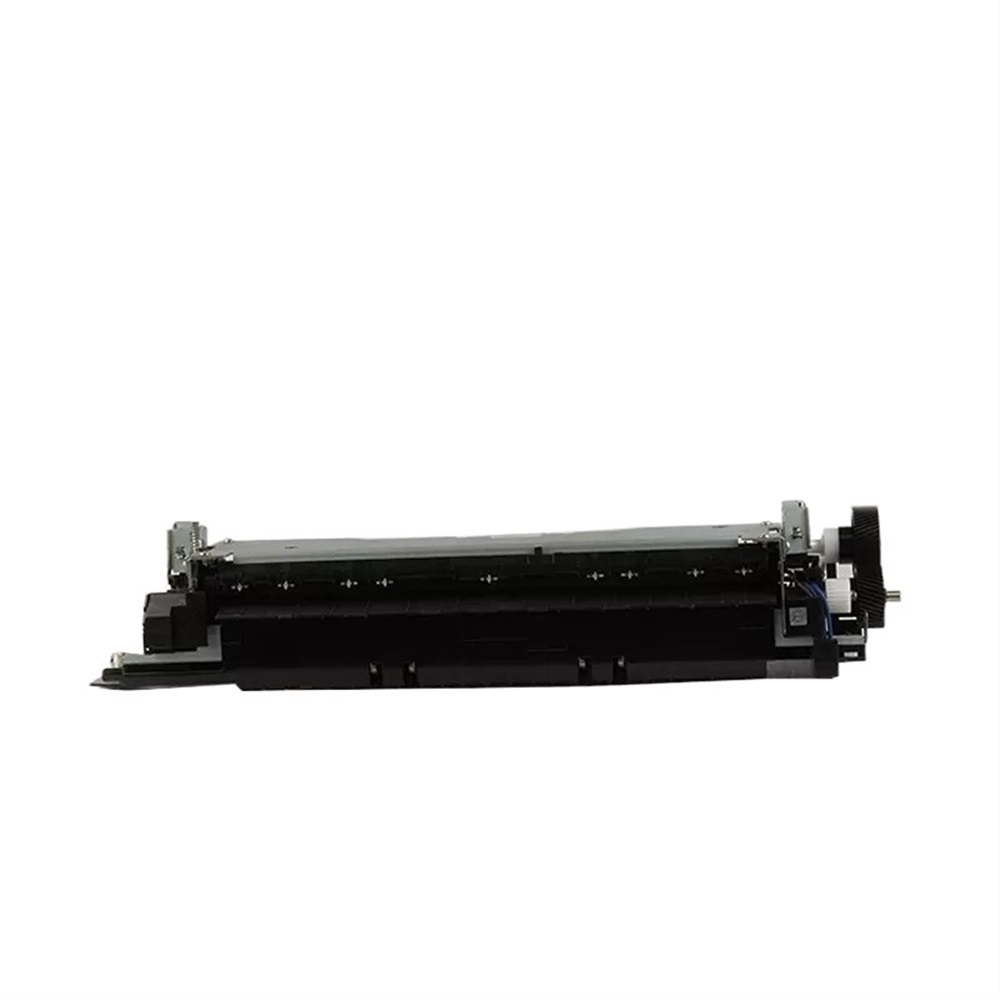

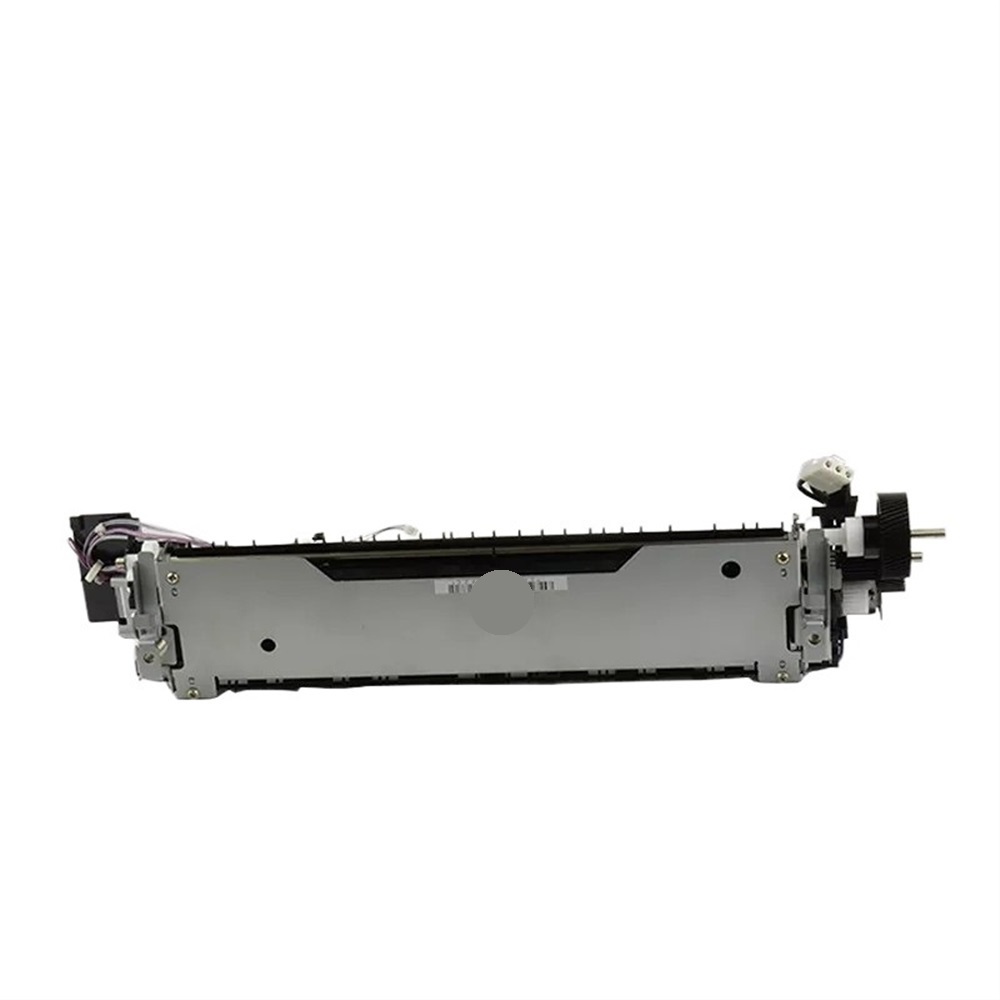
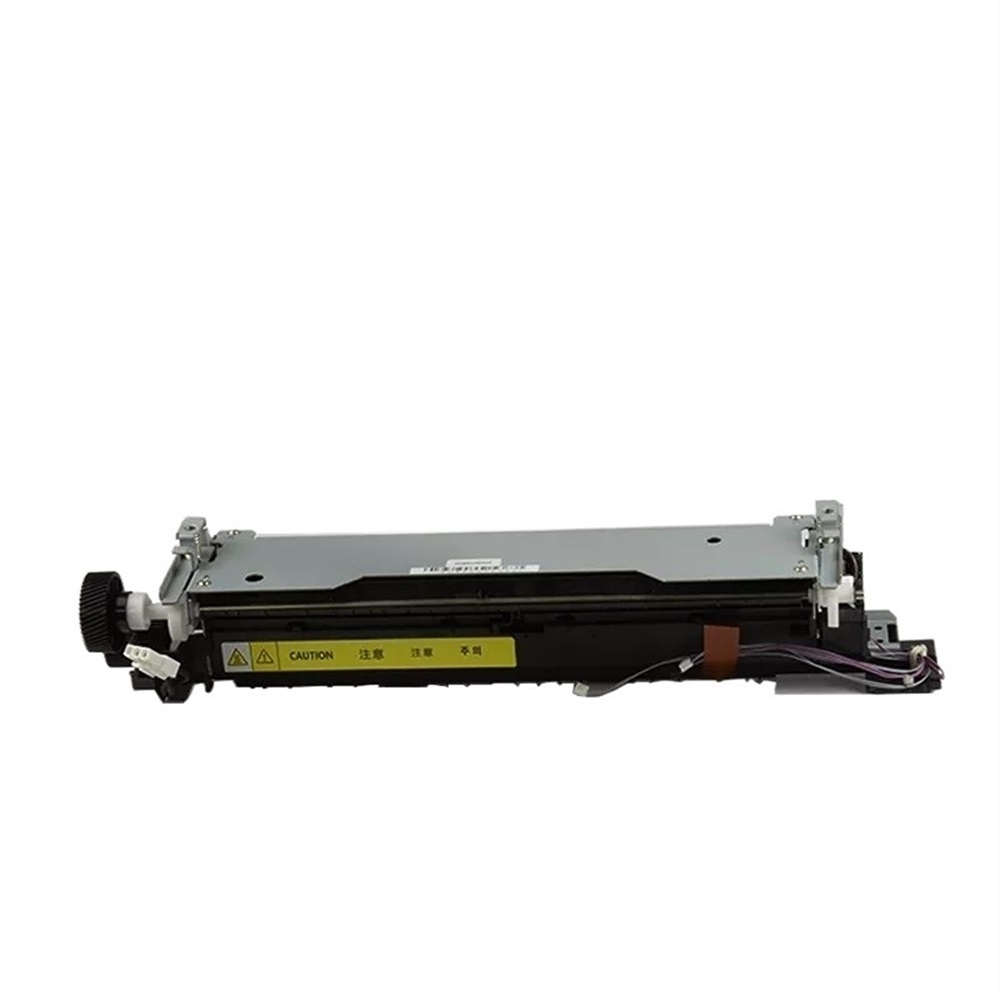
Installation Instructions for Fuser Unit Assembly 220V for IR2002G IR2202G IR2204G IR2206G
Product Overview:
The Fuser Unit Assembly is compatible with multiple models including IR2002G, IR2202G, IR2204G, and IR2206G. It supports double printing functionality to enhance printing efficiency and meets diverse printing needs.
Tools Required:
Before beginning the installation, please ensure you have the following tools ready:
- Screwdriver (Philips head)
- Anti-static wrist strap (recommended)
- Clean cloth or lint-free wipes
- Electrical tape (optional)
- Safety goggles (recommended)
Installation Steps:
-
Power Off the Device:
- Ensure the printer is turned off and unplugged from the electrical outlet to prevent any electrical shock.
-
Remove the Old Fuser Unit:
- Open the printer cover.
- Locate the existing fuser unit and carefully unscrew it using a Philips screwdriver.
- Gently disconnect any wiring or connectors attached to the old fuser unit.
- Remove the old fuser unit and place it aside.
-
Prepare the New Fuser Unit:
- Unbox the new Fuser Unit Assembly and inspect it for any damages.
- Use a clean cloth or lint-free wipes to clean any areas of the printer that might have accumulated debris.
-
Install the New Fuser Unit:
- Carefully connect the wiring and connectors to the new fuser unit.
- Align the new fuser unit in place and secure it with screws using the Philips screwdriver.
- Ensure that all connections are tight and no loose wires are exposed.
-
Close the Printer Cover:
- Once the new fuser unit is securely installed, close the printer cover.
-
Power On the Device:
- Plug the printer back into the electrical outlet.
- Turn on the device and allow it to initialize.
-
Test the Functionality:
- Perform a test print to ensure that the fuser unit is functioning properly and that the print quality meets your expectations.
-
Clean Up:
- Dispose of any packaging materials and old components responsibly.
- Store any unused tools in a safe place.
Conclusion:
Installing the Fuser Unit Assembly is a straightforward process that can significantly extend the lifespan of your printing device while reducing maintenance costs. If you encounter any issues during installation, please consult the user manual or contact customer support for assistance.
Enjoy efficient and high-quality printing with your new Fuser Unit Assembly!

