
Gexpress Is a Startup Dedicated to You. Shop With Confidence—Refunds Are Easy Through !



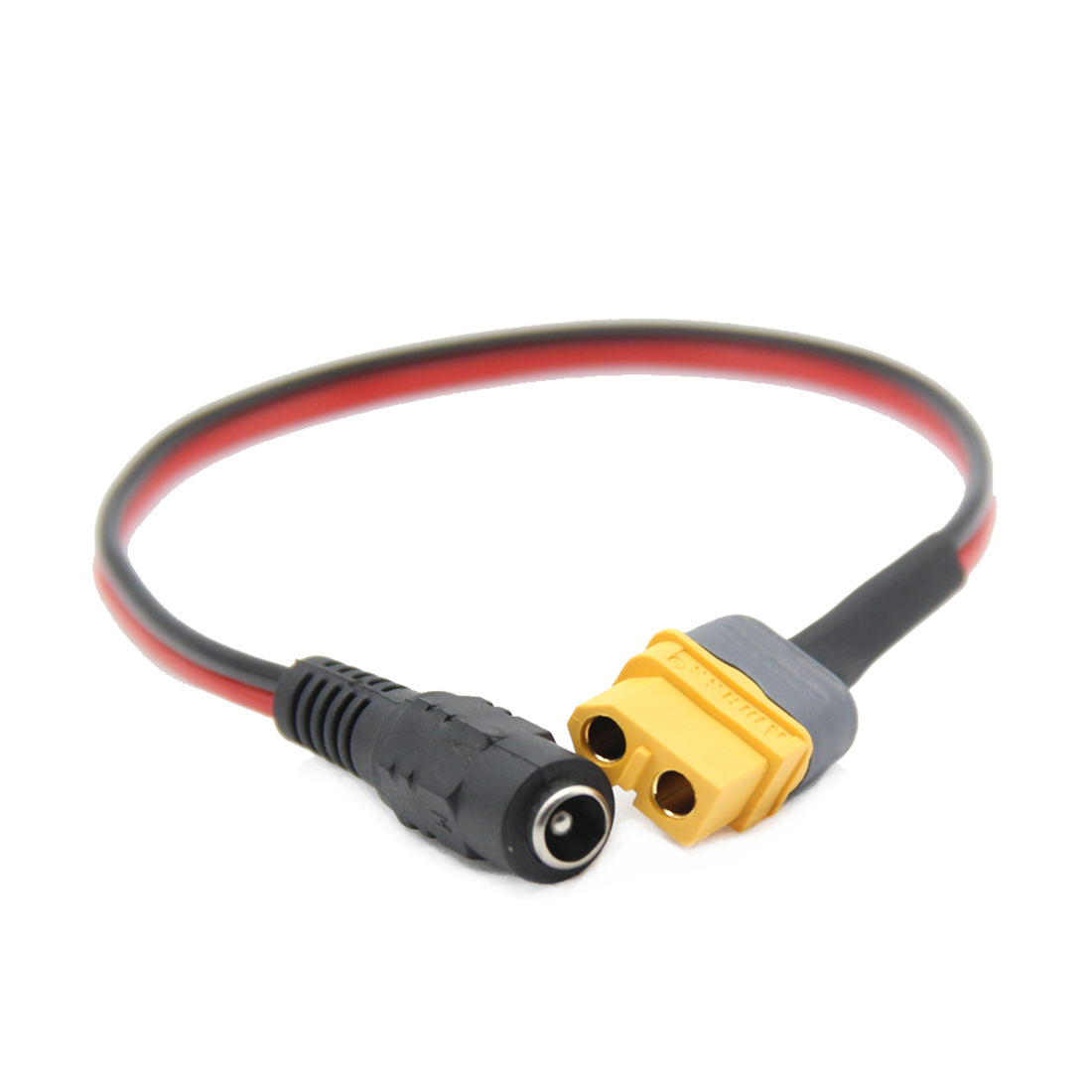
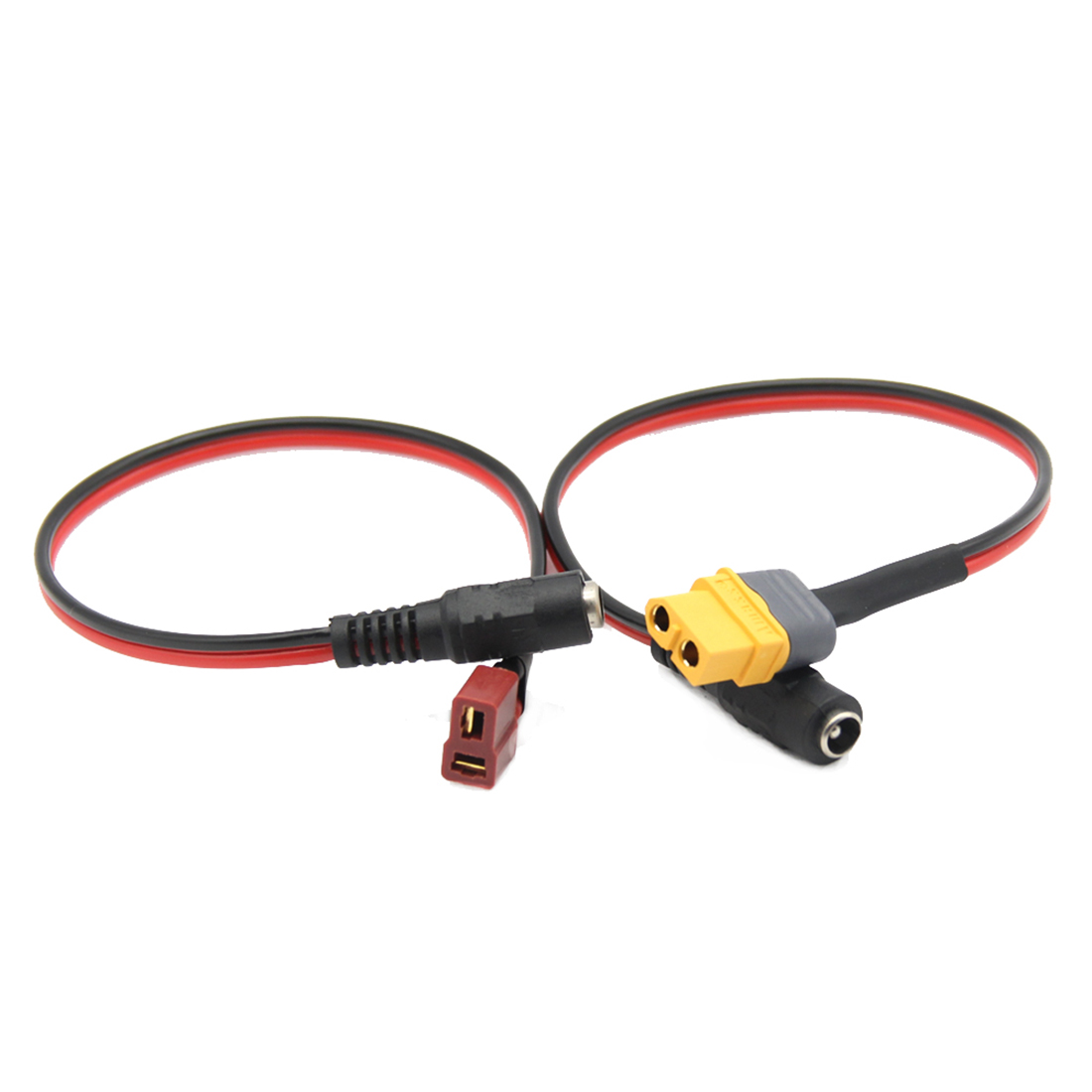
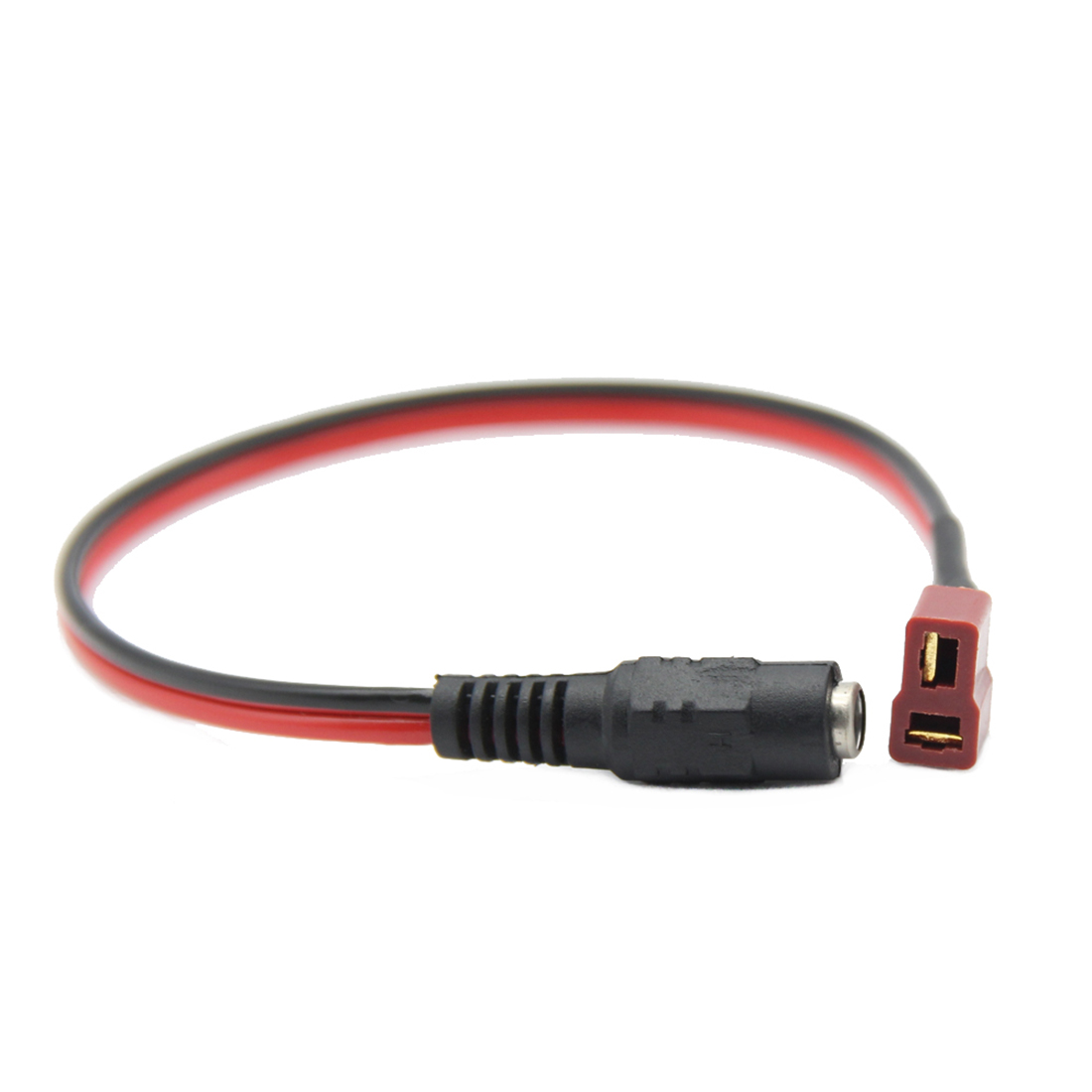
Product Installation Instructions for Goggles B6 Charger Cable Adapter with XT60 and XT30 Plugs to DC 5.5 2.1mm
Introduction:
Thank you for choosing the Goggles B6 Charger Cable Adapter. This adapter is designed to provide compatibility for FPV goggles and various accessories, enabling easy connections and charging across multiple devices.
Tools Required:
Before you begin the installation process, please ensure you have the following tools ready:
- XT60 and XT30 connectors (if not pre-attached to the adapter)
- Soldering iron (for any necessary connections)
- Solder (for securing connections)
- Heat shrink tubing (to insulate soldered connections)
- Wire cutters/strippers (for preparing wires)
- Multimeter (for testing connections, optional but recommended)
Installation Steps:
-
Prepare the Work Area:
Make sure you have a clean, flat surface to work on. Ensure that your work area is well-lit to avoid any mishaps during the installation process. -
Inspect the Adapter:
Before proceeding, inspect the Goggles B6 Charger Cable Adapter to ensure all components are intact and there are no visible damages. -
Connect the XT60 and XT30 Plugs (if applicable):
If the plugs are not attached, prepare the wires by stripping the ends to expose the copper. Solder the XT60 and XT30 connectors to the respective wires, ensuring a secure connection. -
Heat Shrink Protection:
Once soldered, slide heat shrink tubing over the soldered joints and use a heat source to shrink it in place for insulation. -
Connect to DC 5.5 2.1mm Interface:
Insert the prepared plug into the DC 5.5 2.1mm interface of your FPV goggles or other applicable devices. Ensure it fits securely. -
Testing Connections:
If you have a multimeter, test the connections for continuity and correct voltage levels. This step ensures that the adapter is functioning correctly before use. -
Final Check:
Double-check all connections and ensure there are no loose wires. Make sure the connections are securely in place before proceeding to power the devices. -
Use:
Your Goggles B6 Charger Cable Adapter is now ready for use. Connect it to your charging source and enjoy seamless compatibility with your FPV goggles and accessories.
Conclusion:
You have successfully installed the Goggles B6 Charger Cable Adapter. If you experience any issues, consult the troubleshooting section or contact customer support for assistance. Enjoy enhanced performance and flexibility with your FPV equipment!
Remember to follow all safety precautions when using electrical tools and equipment during installation.

