
Gexpress Is a Startup Dedicated to You. Shop With Confidence—Refunds Are Easy Through !



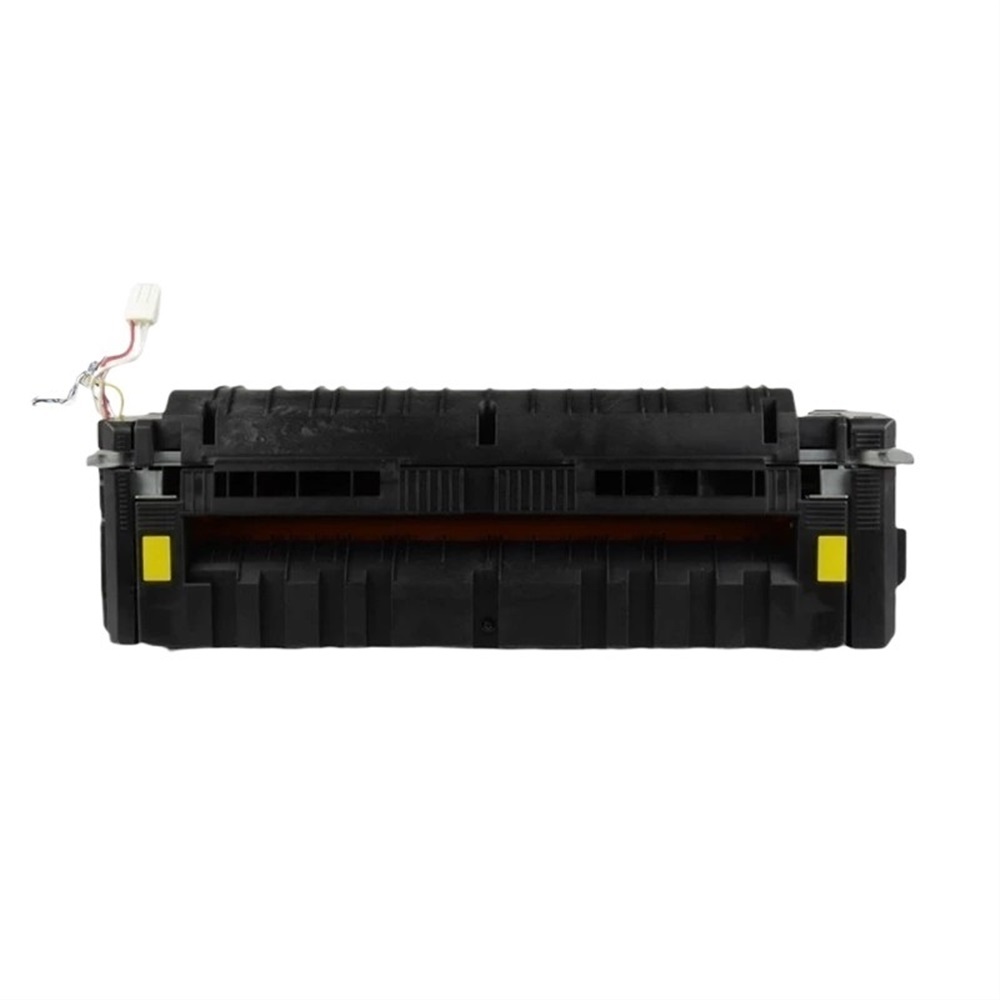
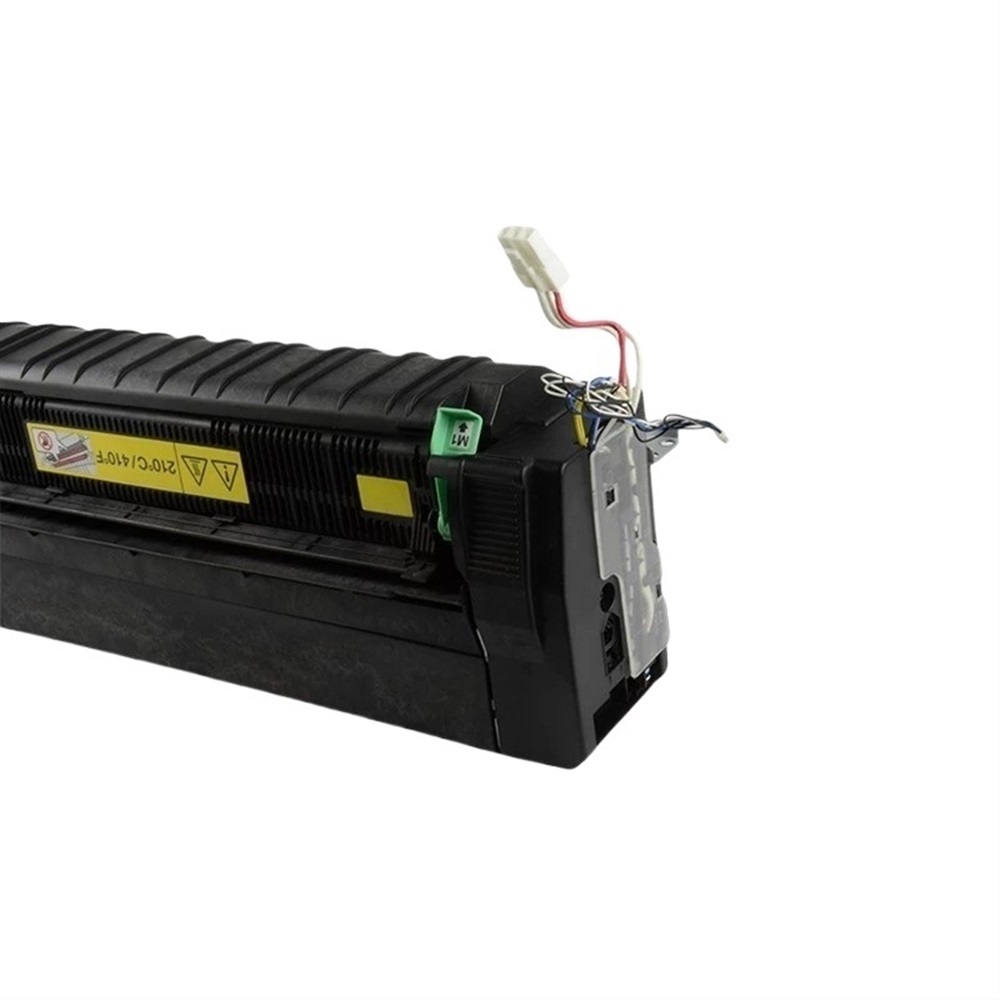
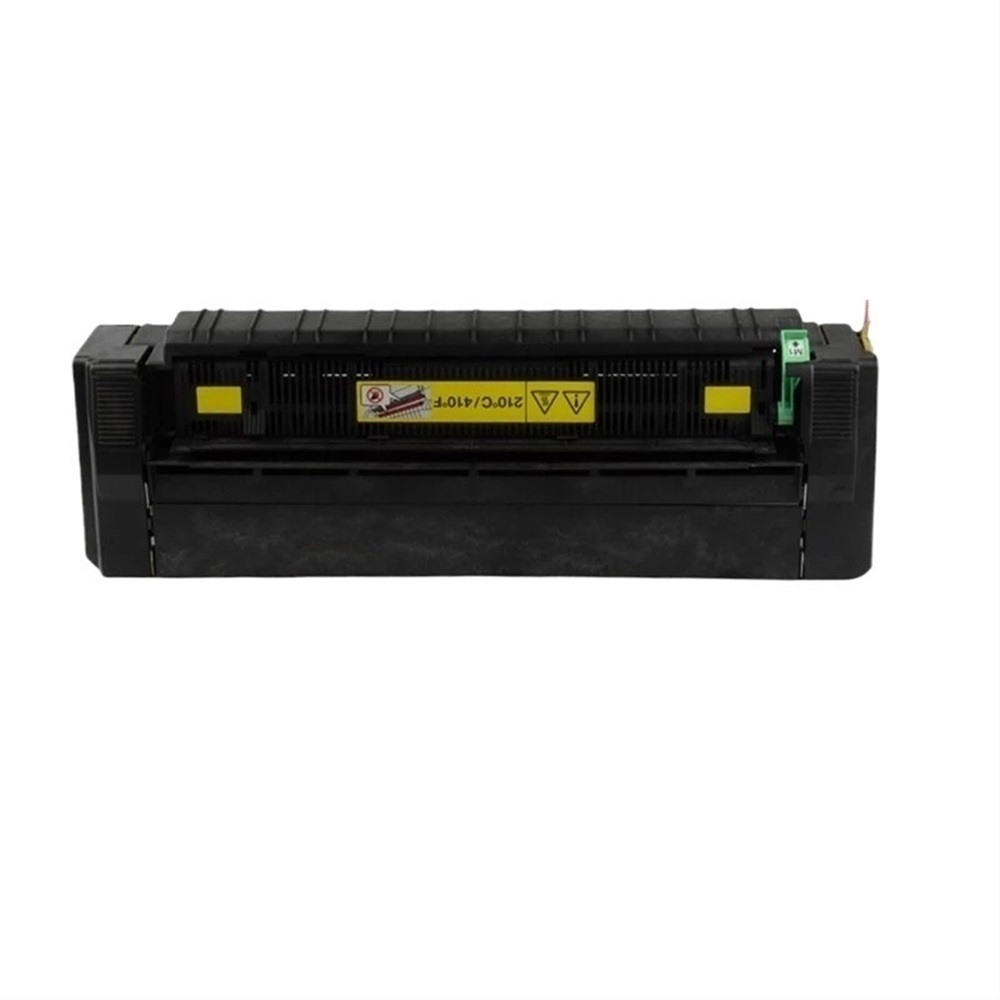
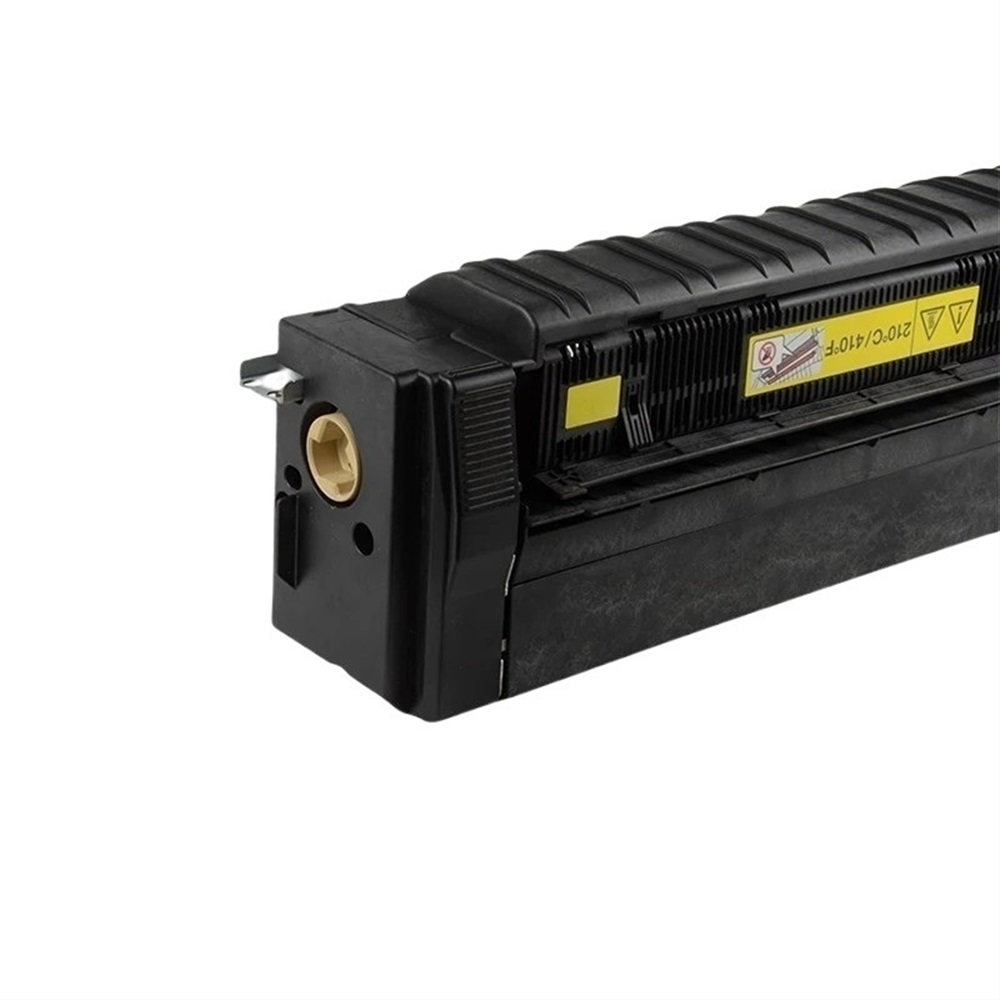
Installation Instructions for Fuser Unit Assembly for Copier Models 300i, 360i, and 7130i
Overview
Thank you for your purchase of the Fuser Unit Assembly designed specifically for your Copier Models 300i, 360i, and 7130i. This guide will help you through the installation process to ensure optimal performance and output quality.
Tools Required
Before starting the installation, please ensure you have the following tools on hand:
-
Screwdriver Set
- Phillips and flathead screwdrivers for accessing the copier's panels.
-
Tweezers
- Helpful for handling any small components that may need adjustment.
-
Lint-Free Cloth
- To clean any parts of the copier if needed during installation.
-
Gloves
- Optional, but recommended to protect your hands and the fuser from oil and dirt.
-
Manual or User Guide
- Keep the copier's user manual nearby for reference to ensure proper handling.
Installation Steps
-
Power Off the Copier
- Disconnect the power cord and ensure the machine is completely turned off.
-
Access the Fuser Unit
- Based on your copier model, remove the necessary screws and panels to access the fuser unit.
-
Remove the Old Fuser Unit
- Carefully disconnect any cables connected to the old fuser unit and gently lift it out of the copier.
-
Install the New Fuser Unit
- Align the new fuser unit with the connectors and gently insert it into place. Ensure all connections are secure.
-
Reassemble the Copier
- Replace any panels and screws that were removed earlier to access the fuser unit.
-
Power On the Copier
- Reconnect the power cord and turn the machine on.
-
Test the Functionality
- Perform a print or copy job to confirm that the new fuser unit is functioning correctly and delivering quality output.
Important Notes
- Please refer to the copier's manual for any specific instructions related to your model.
- Ensure all components are compatible and handled with care to avoid damage.
If you encounter any issues during installation, please feel free to contact our customer service for assistance.
Thank you for choosing our replacement part! Happy copying!

