
Gexpress Is a Startup Dedicated to You. Shop With Confidence—Refunds Are Easy Through !



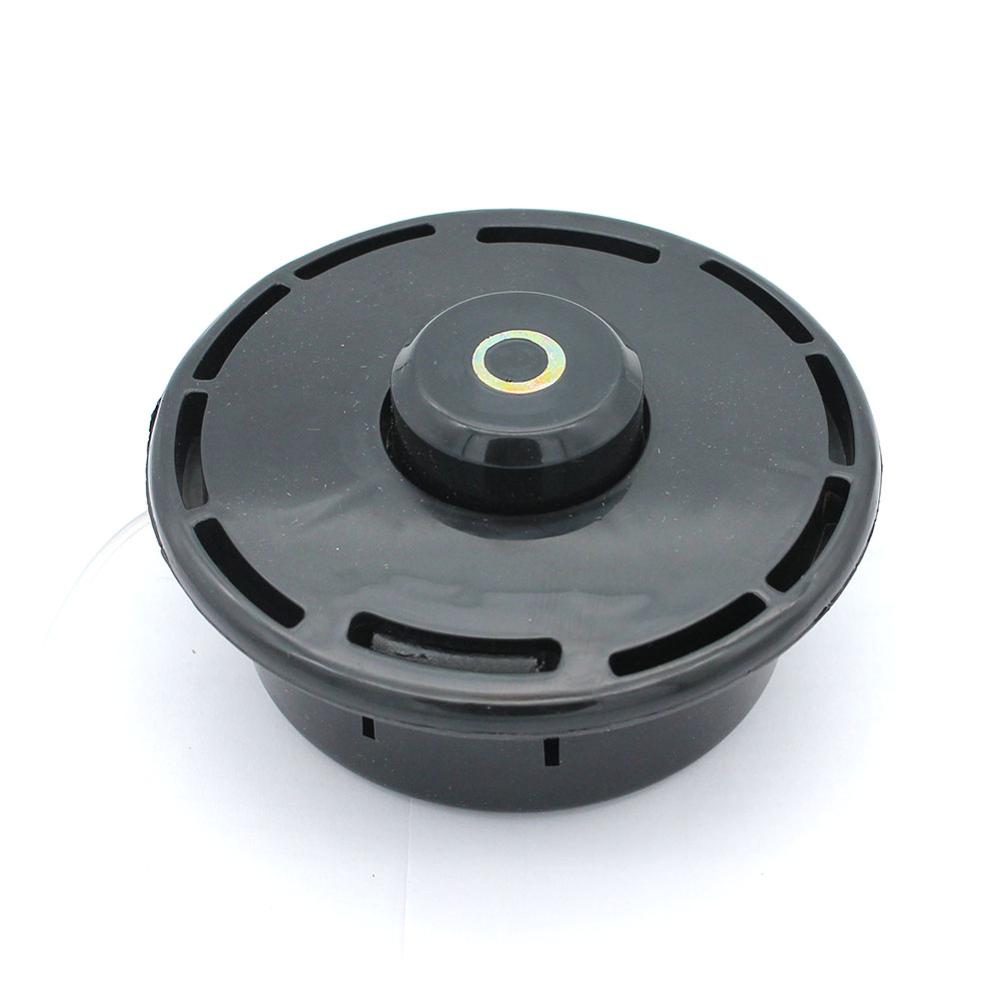
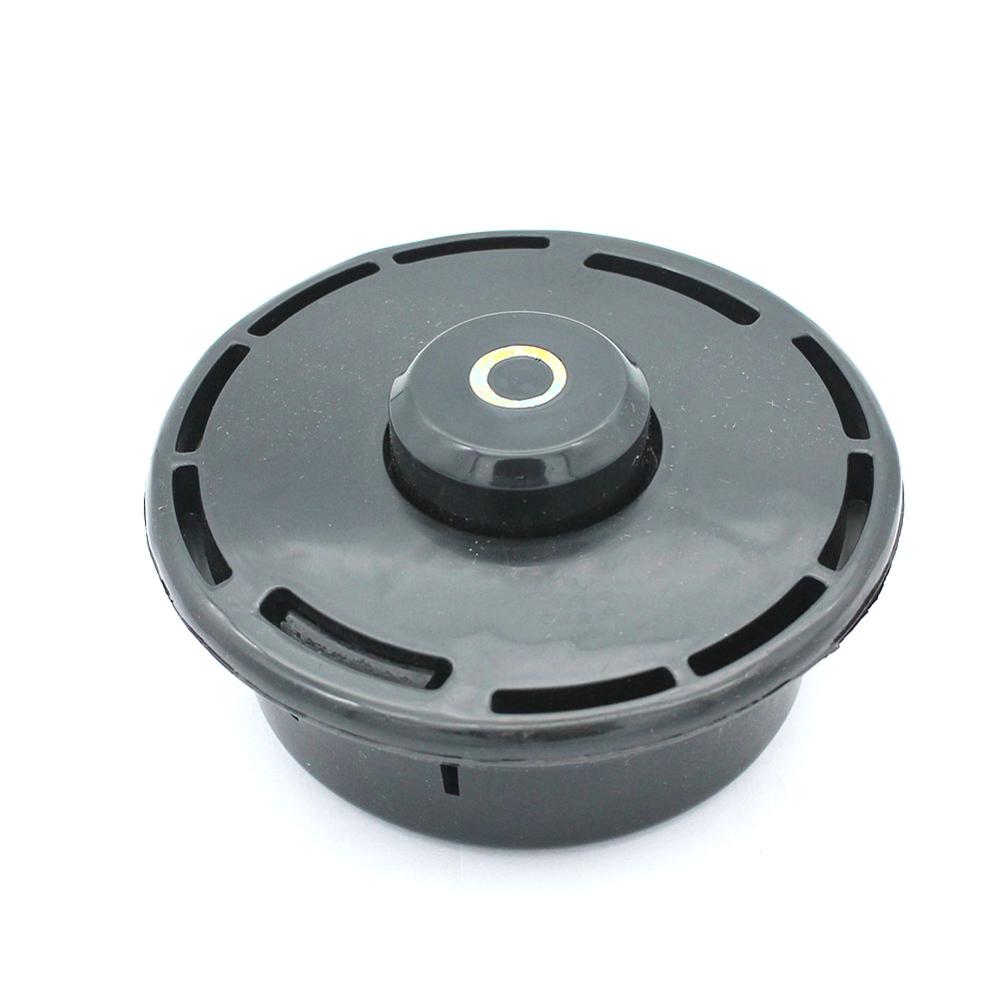
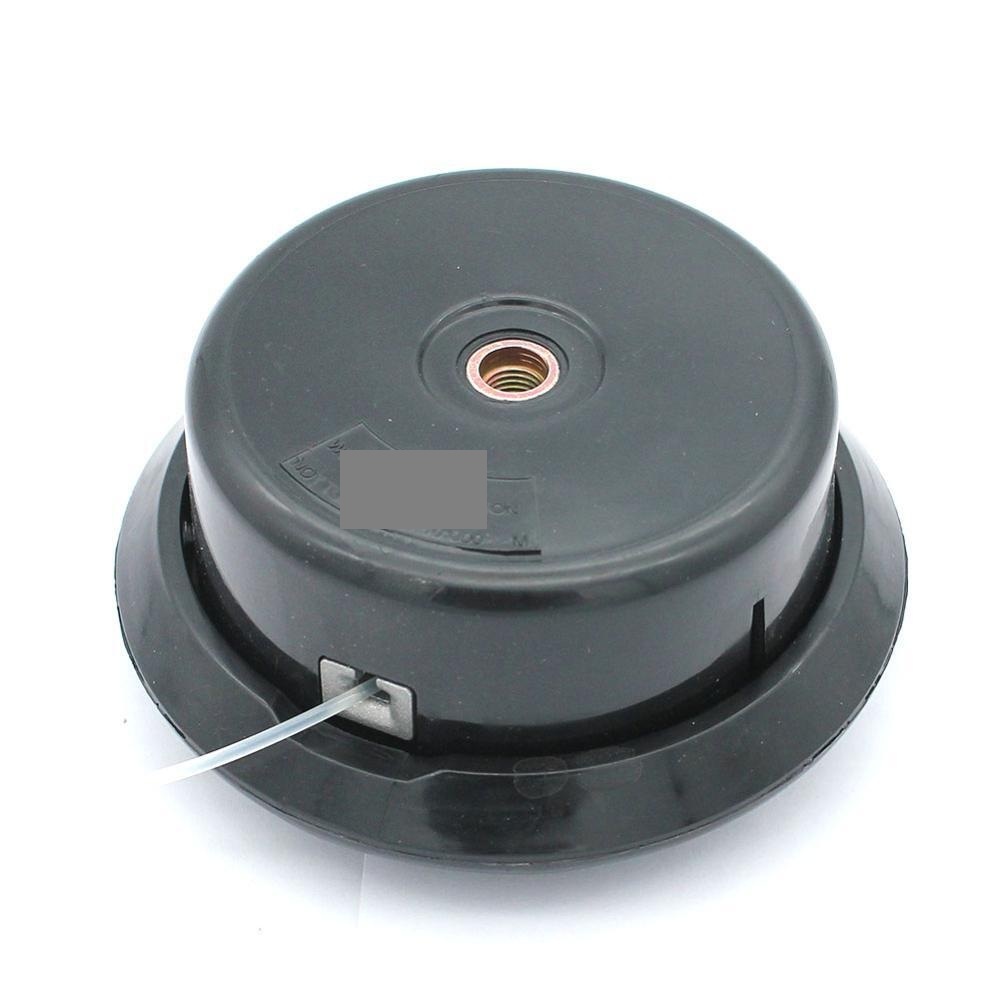
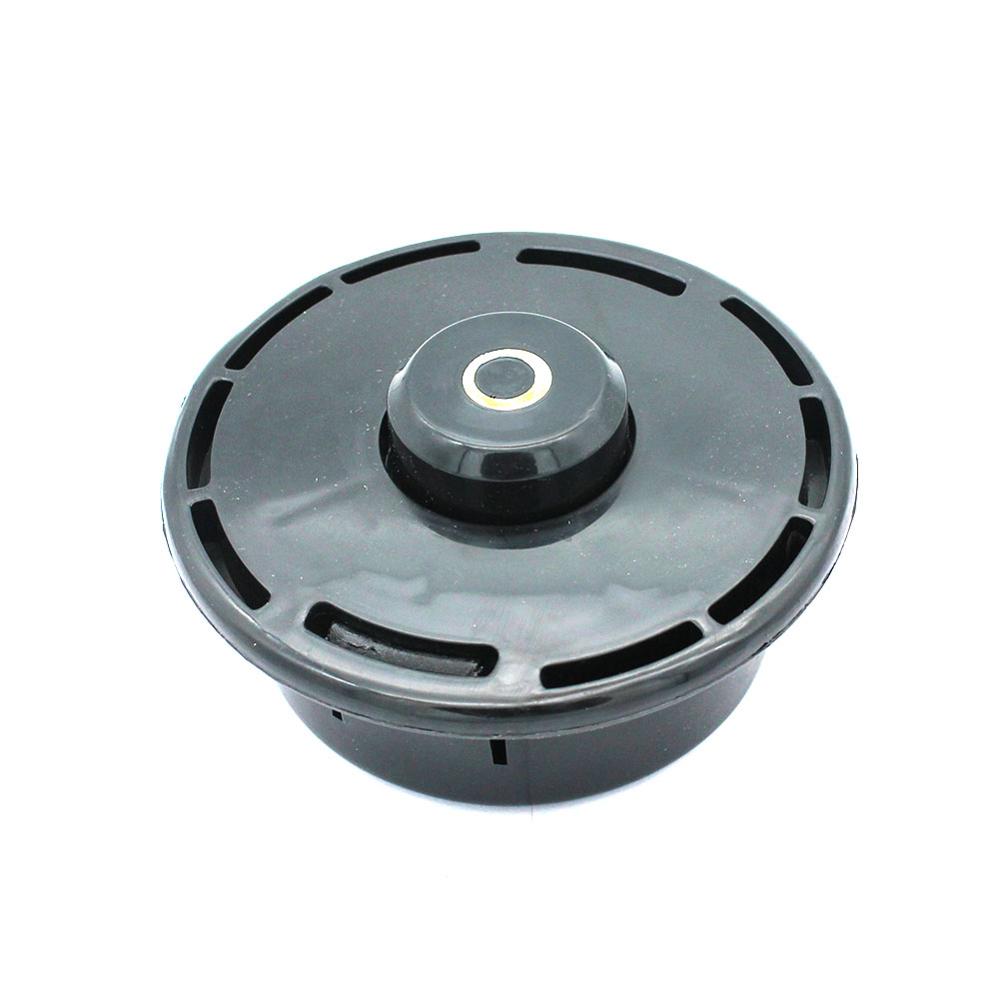
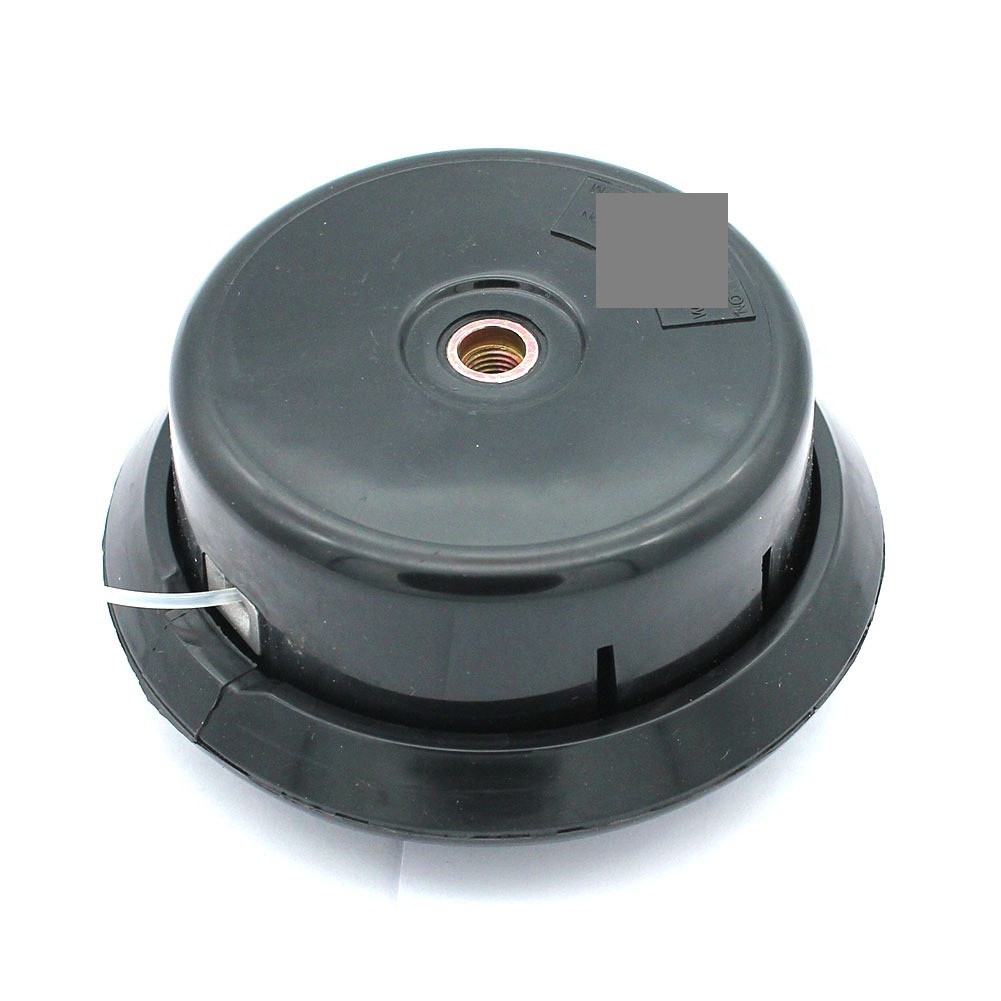
Product Installation Instructions for Trimmer Head Compatible with M Straight Shaft Models EM3400U EM3400L RBC411U EBH341U EM2650LH EM2650UH EBH341 EX2650 BCX3400
Tools Required:
- Safety Goggles: To protect your eyes during installation.
- Gloves: To ensure safety and grip while handling the trimmer head.
- Wrench/Socket Set: For loosening or tightening screws and nuts.
- Screwdriver: If required for any specific screws.
- Measuring Tape (optional): To ensure proper fitting dimensions if necessary.
Installation Steps:
-
Prepare the Trimmer:
Ensure your trimmer is powered off and disconnected from any power source to prevent accidental starts. -
Remove the Old Trimmer Head:
Use a wrench or a socket set to loosen the nut holding the old trimmer head in place. Remove the old head carefully. -
Clean the Shaft:
Before installing the new trimmer head, clean the area of the shaft where the head will be attached to remove any debris or grass clippings. -
Install the New Trimmer Head:
Align the new trimmer head with the shaft. Gently push it onto the shaft until it fits snugly. -
Secure the Trimmer Head:
Use the wrench/socket to tighten the nut securely, ensuring that the head is fixed in place but not overtightened to the point it could damage the components. -
Check Alignment:
Ensure the trimmer head is properly aligned. Rotate it to confirm it spins freely without obstruction. -
Testing:
Before regular use, perform a test run of your trimmer to ensure everything is functioning correctly and that the trimmer head is securely attached.
Safety Instructions:
Always wear safety goggles and gloves while handling garden tools. Follow manufacturer instructions for your specific trimmer model.
Enjoy efficient gardening with your new compatible trimmer head!

